Ignix Editor
Ask for a reel. Get the finished video.
Tell your AI assistant what the reel is about. It writes the script, records the voice-over, builds every scene and renders the video on your own computer with Ignix Editor — then leaves it in Ignix as a draft for you to approve.
A 25-second reel costs about 27 credits: the voice, at 3 credits per 100 characters. Rendering on your computer is free. What credits buy →
What we asked for
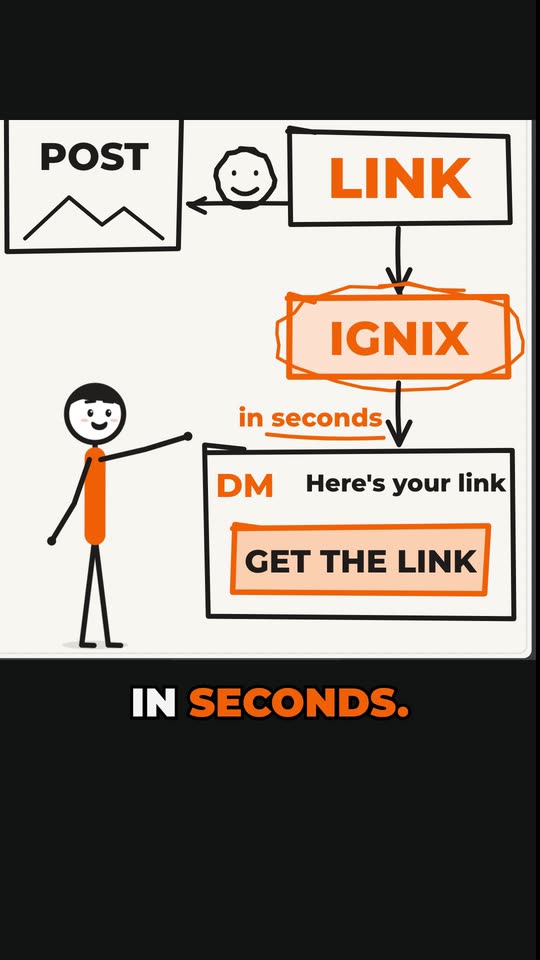
“Make me a short reel (about 20 seconds) in English that explains how automatic comment-to-DM works. Have a stick figure tell it, and at some point explain it by drawing it on a whiteboard. Render it here on my computer and leave it as a draft in Ignix.”
Made from one message
Real videos, start to finish
No template, no timeline, no editing by hand. Each one began as a single request to an AI assistant connected to Ignix.
What we asked for
“Make me a short reel (about 20 seconds) in English that explains how automatic comment-to-DM works. Have a stick figure tell it, and at some point explain it by drawing it on a whiteboard. Render it here on my computer and leave it as a draft in Ignix.”
Instagram reel · 18 seconds · stick figure and whiteboard
What we asked for
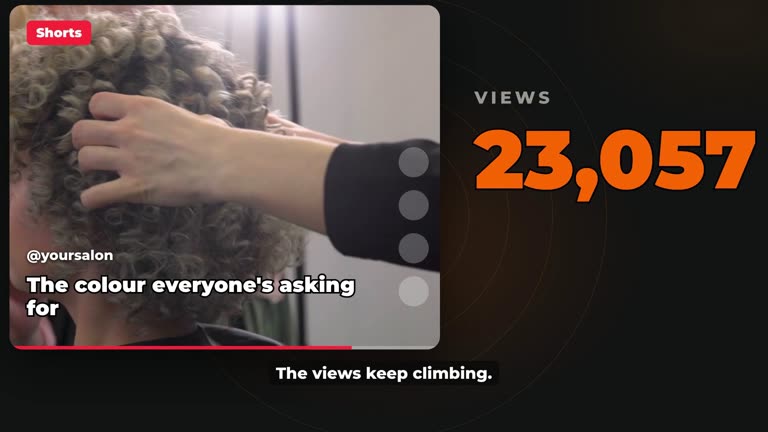
“A six-minute YouTube video on how four Shorts take a stranger from curious to booked, with a hair salon as the example.”
YouTube video · 6 minutes · a short excerpt · stock footage from Pixabay
Ready-made blocks
Blocks your assistant can mix in
Every reel is built from scratch, but some ideas land better with a ready-made block: a stick figure, a whiteboard, a chat, your reviews. Your assistant uses one when it fits the line — in your colours and your fonts.
Stick figures
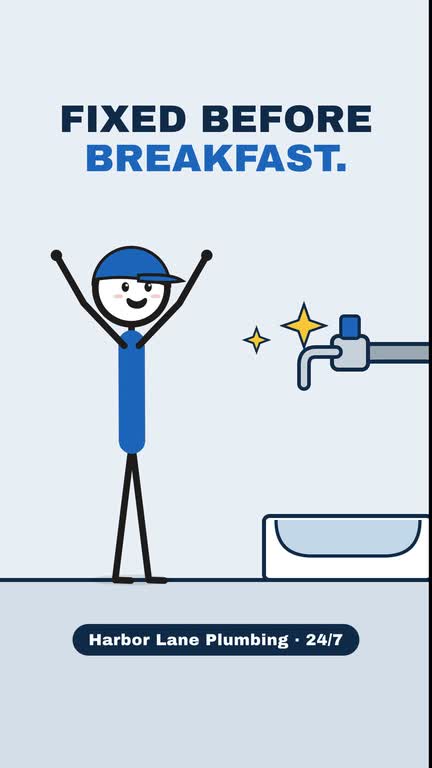
Harbor Lane Plumbing · plumber
They walk, point, react and tell the story.
Whiteboard
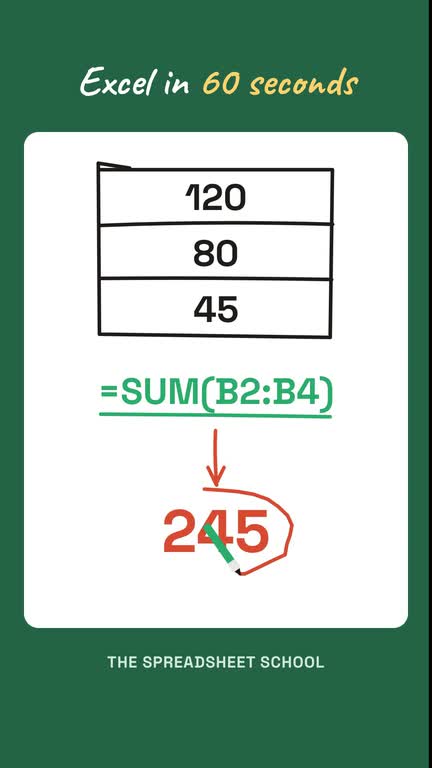
The Spreadsheet School · online course
Drawn by hand while a marker follows the line.
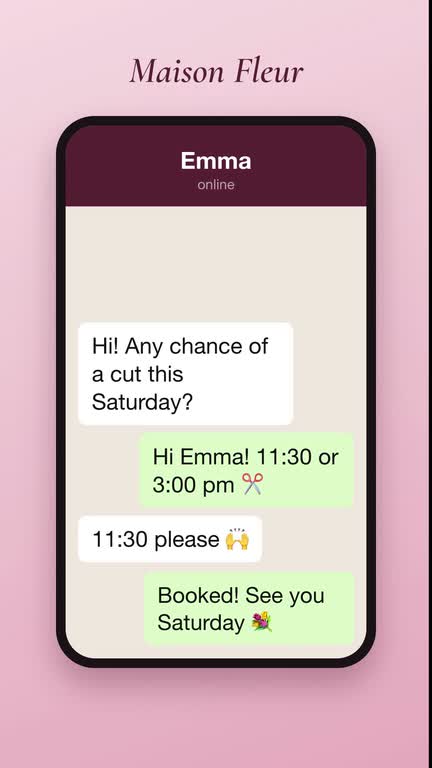
Chat story
Maison Fleur · hair salon
A conversation on a phone, message by message.

Kinetic text
Iron Hour · gym
Each word lands the moment it is said.
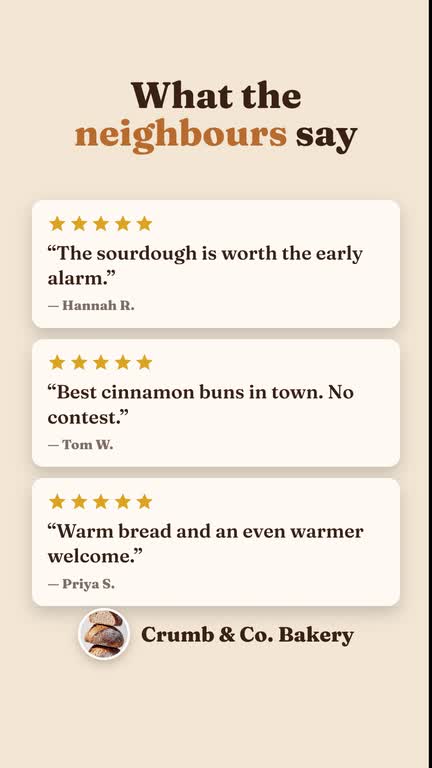
Reviews
Crumb & Co. · bakery
Your real reviews, stars filling in.
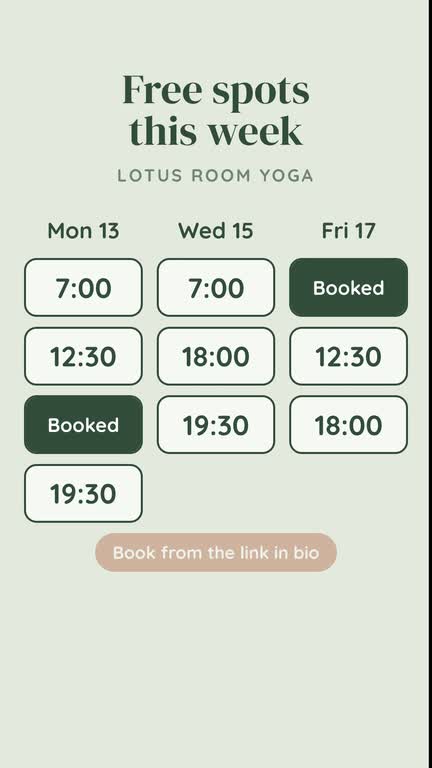
Free slots
Lotus Room Yoga · yoga studio
Your real availability, booked live.
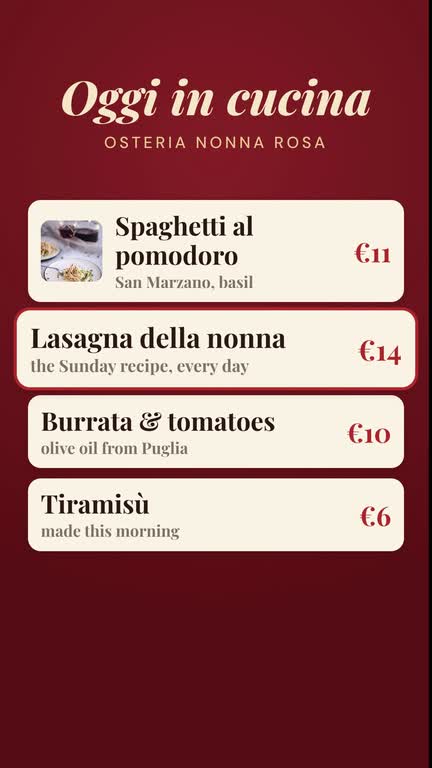
Menu
Osteria Nonna Rosa · restaurant
Your products and prices, one in the spotlight.
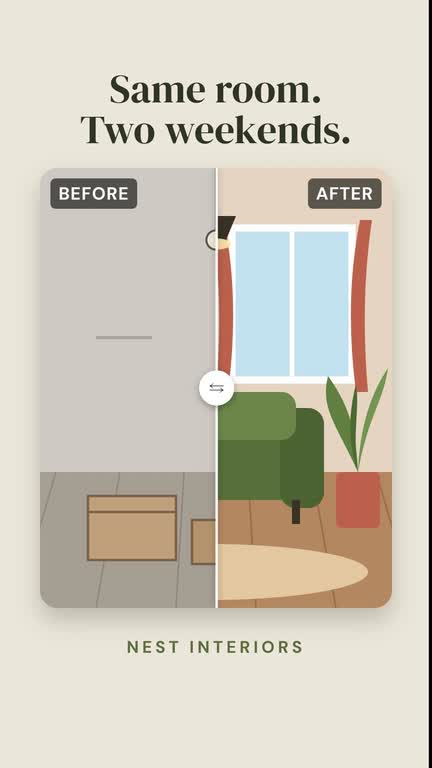
Before and after
Nest Interiors · interior designer
A sliding curtain over your real photos.
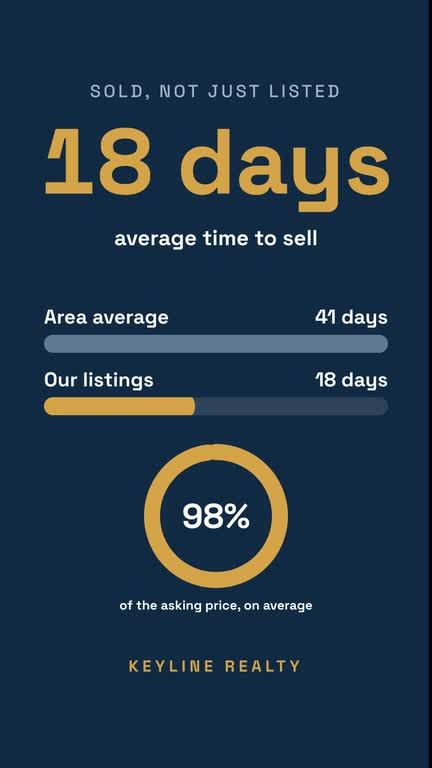
Infographic
Keyline Realty · estate agent
Counters, bars and rings with real figures.

Photos
Bloom Coffee Roasters · coffee roaster
Slow push-ins and crossfades.
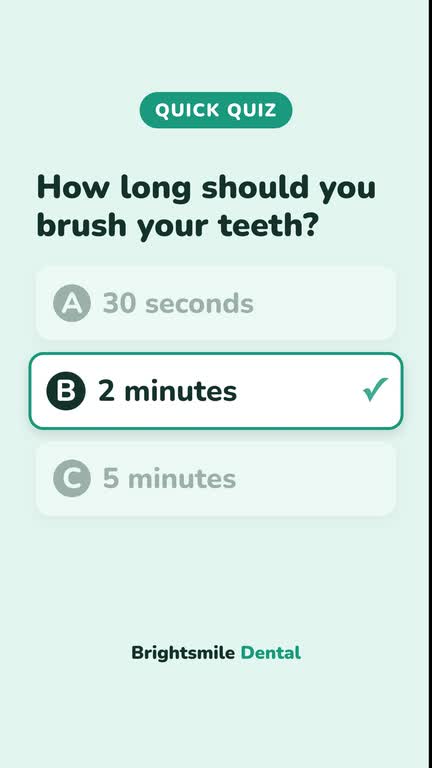
Quiz
Brightsmile Dental · dentist
A question, a countdown, the answer.

Offer
Glow Skin Studio · beauty studio
The old price struck out and a live countdown.

Map
Paper Moon Bookshop · bookshop
A pin dropping on your address.
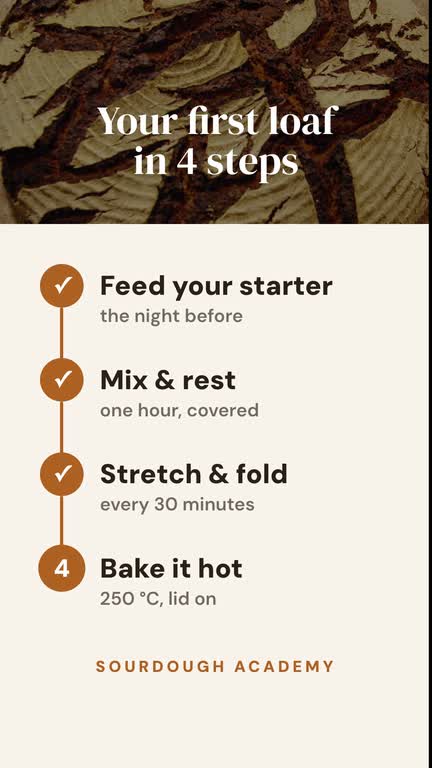
Step by step
Sourdough Academy · baking course
Each step lights up on its word.
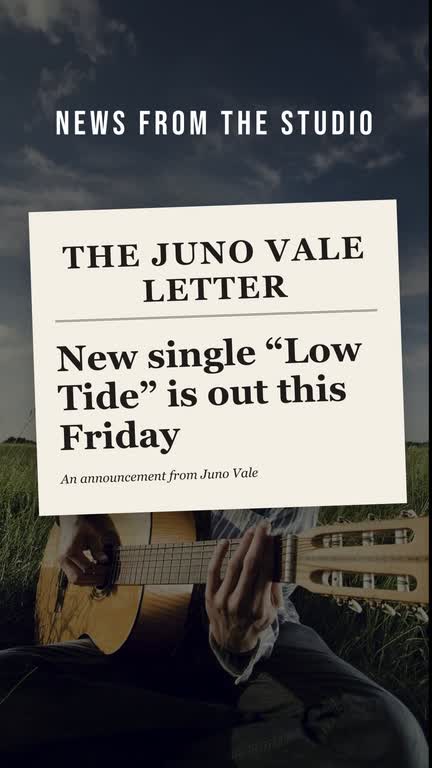
Headline
Juno Vale · musician
Your own news, as a front page.

Character
Sunny Side Diner · diner
Your mascot talks in speech bubbles.
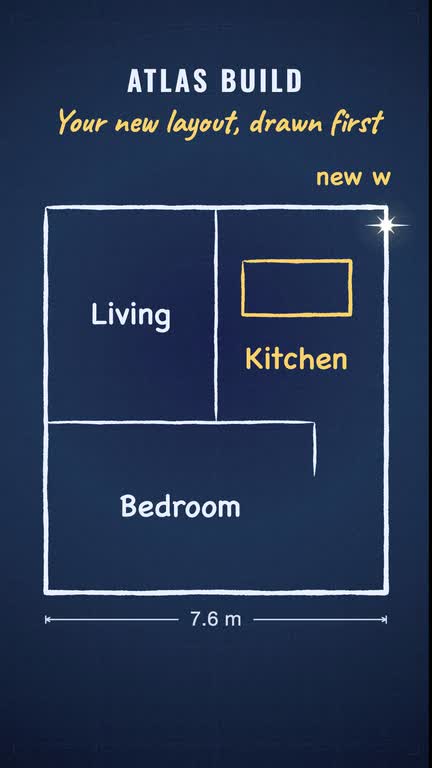
Ink and blueprint
Atlas Build · renovations
Hand-inked lines and plans.

Captions: bold pop
Forge Fitness · fitness studio
Word by word, the current one pops.

Captions: karaoke
The Night Ferries · band
Words fill with colour as they are said.

Captions: clean
Harbourside Homes · estate agent
Sentence case with a soft shadow.

Captions: box
Wild Stem Flowers · florist
On a dark box, the current word highlighted.
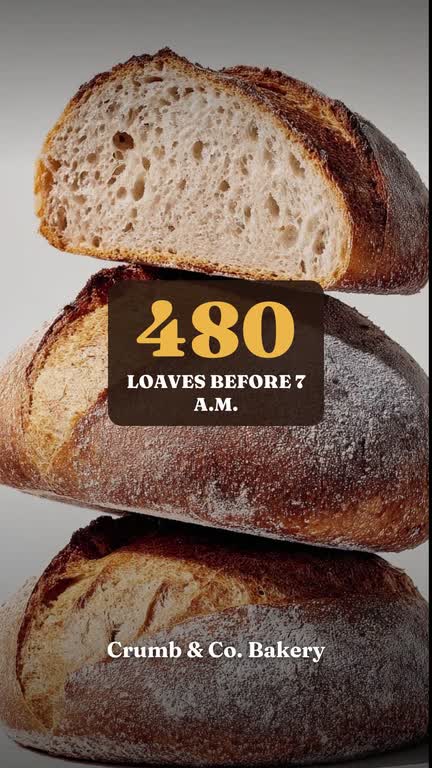
Counting number
Crumb & Co. · bakery
A figure that counts up on its word.

Ticking list
Lotus Room Yoga · yoga studio
Items checked off one by one.
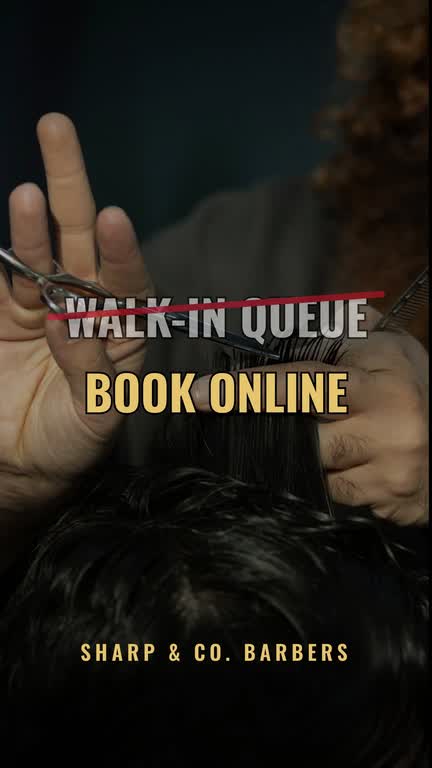
Strike and replace
Sharp & Co. Barbers · barber
Crossed out, and the better option appears.
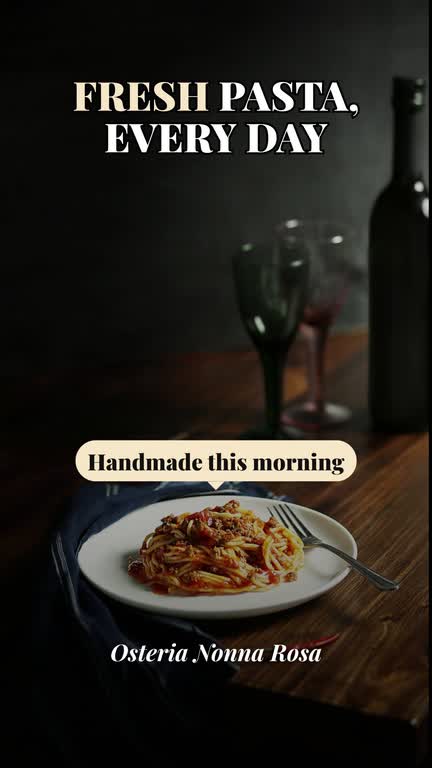
Label with arrow
Osteria Nonna Rosa · restaurant
Points at the thing being talked about.
Every business in these demos is made up. In your videos, reviews, free slots, menus, offers and figures come from your real data in Ignix — never invented.
Everything a reel needs, already there
Your assistant brings the pieces in while it builds. The choices are yours; the fiddly part is not.
12 voices in five languages
Listen to each one before you choose, then ask for it by name.
Hear the voices →75 sound effects, free
Whooshes, pops, clicks, a till, applause — placed on the moments that matter, at no cost.
Music from Pixabay
Ignix Editor opens Pixabay’s music library in your browser. You listen and pick the track; it goes in under the voice.
Stock clips and photos
Free Pixabay footage suggested for the moments that need real images. Your own clips always come first.
GIPHY reactions
From the favourites you saved in Ignix, on the line with the right emotion. One or two per video, never as filler.
Your favourites
Word-by-word captions
The spoken words, timed to the voice, in four styles.
An automatic review
After rendering, the editor checks for still stretches, empty frames and gaps in the voice. If something is off, it gets fixed before you see it.
How it works
Four steps, and only the first one is set-up.
- 01
Connect Ignix to your assistant
Add Ignix as a connector in Claude, ChatGPT or Codex. One sign-in, no API keys to paste.
- 02
Ask for a reel
In your own words: the topic, the account, roughly how long. No idea yet? It looks at what is working in your niche and suggests three.
- 03
Approve the script and the extras
You see the script, the voice and the cost in credits first, with suggested blocks, music and clips. Change anything, or just say go.
- 04
It renders on your computer
Ignix Editor builds the video on your Mac or Windows PC, and the reel appears in Ignix as a draft, ready to schedule.
The first time, your assistant installs Ignix Editor for you (open source, Apache-2.0). Rendering is free; credits pay only for the voice-over and any images you ask for (20 credits each). Linux isn’t supported yet.
Next up: Ignix Creator
A desktop studio for the videos an assistant can’t make on its own. It isn’t available yet.
Presenters from a photo
A talking presenter made from a single picture — you, or your brand’s character.
AI video clips
Scenes generated with MiniMax H3 and Wan, with real motion and sound.
You, in the video
Put yourself into a clip and keep the rest of the scene.
Dubbing
Your video in other languages, with a voice that follows the original.
Questions
Do I need to know how to edit video?
No. You describe the reel; your assistant writes the script and builds the scenes, and Ignix Editor renders them. You approve the script and watch the result.
What does a reel cost?
Rendering is free, on your own computer. The voice-over costs 3 credits per 100 characters, so a 25-second reel is about 27 credits. Images, if you ask for any, are 20 credits each. Every plan includes monthly credits.
Which AI assistants does it work with?
Claude (Claude Code, Cowork and the desktop app), ChatGPT and Codex: any assistant that connects to Ignix and can run programs on your computer. In a chat that can’t, it still plans the reel and writes the script with you.
Does it work on Windows?
Yes, on Windows and macOS. Linux isn’t supported yet.
Can it use my own clips, photos and music?
Yes, and they always come first: files you drop in the chat, files on your computer or your Ignix library. Music from Pixabay is picked by you, in your browser.
Will it post without asking me?
No. Finished videos land in Ignix as drafts. You review them, then schedule or publish.

Your next reel is one message away.
Connect Ignix to your assistant and ask for the first one today.
Plans start at $19 a month. Cancel in two clicks.