
Threads
A Threads scheduler that counts to 500 and posts the whole thread
Text, images, video and multi-post threads from one calendar, with a live count against Threads’ real limit, a topic tag and auto-publishing on the official API.
 09:00A fresh perspective
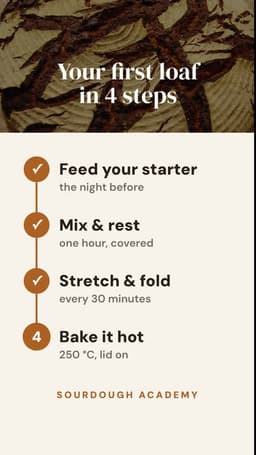 11:30Three things worth trying
 18:00Behind the scenes
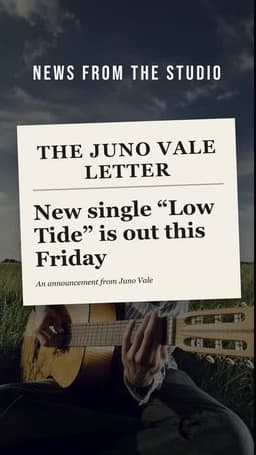 16:00Your next big idea
 10:00Meet the team
 09:30A little inspiration
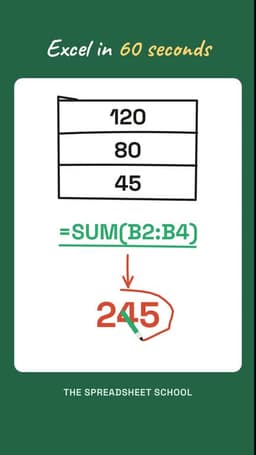 12:00One useful takeaway
 17:30Show how it works
 14:00The full story
 10:30Something to save
Ignix is for you if…
Not a feature list — the people it was built for. If three of these sound like you, you will feel at home.
- You post on Instagram and Threads and want the same idea to go out to both, adapted.
- You write threads and want them published as a thread, in order.
- You have had a post cut at the wrong character.
- You want the replies to your Threads posts in the same inbox as everything else.
- You want a live count against 500, not a guess.
Read the full overview
Threads is short and fast: 500 characters, a topic, and the conversation happens in the replies. The failure modes are just as specific — a post cut at the wrong character, a thread posted as unrelated posts, a carousel that exceeds ten images.
Ignix schedules Threads like it schedules Instagram — same calendar, same media library, the caption adapted to 500 characters — and posts a thread as a thread: the root, then each reply, in order.
Below are the limits the composer enforces, taken from Threads’ API.
What you can schedule on Threads
Four shapes of post, all from the same composer.
Text
Up to 500 characters, hard limit, with a live counter. Links are allowed in the text.
Images
Up to 10 images in one post — JPEG, PNG, WebP or GIF, 8 MB each — shown as a carousel.
Video
One video, mp4 or mov, up to 1 GB and 5 minutes.
Thread
Connected posts: the first is the root, each one after it is a reply to the previous, published in order with their own media.
The five things that make a scheduled Threads post fail
Each one is checked in the composer before the post is queued.
Cut at the wrong character
500 is a hard limit and Threads counts every character, links included.
In Ignix: A live counter against Threads’ real limit; a post over it cannot be queued.
The thread came out as separate posts
A thread is a chain of replies. A tool that publishes each part as a standalone post breaks it.
In Ignix: Thread items are connected posts, published in order as replies to the previous one — you write them in one place.
More than ten images
Threads takes up to 10 images in one post.
In Ignix: The composer stops at ten and tells you.
The video was too long or too big
Up to 5 minutes and 1 GB, in mp4 or mov.
In Ignix: Duration, size and format are checked when you attach the file.
The topic tag was missing
Threads uses one topic tag per post to file it in a topic feed — reach a plain post does not get.
In Ignix: A topic-tag field on every Threads post.
Instagram and Threads from the same post
Write it once for Instagram; Ignix adapts the caption to 500 characters for Threads — or you write the Threads version yourself — and both go out from the same calendar at their own best time.
Comments on Threads, answered from the inbox
Replies to your Threads posts arrive in the unified inbox with your Instagram DMs and Facebook comments, and you answer them from there. Threads does not open direct messages to tools, so the inbox shows comments only — and says so.
On the official API, with no password
Ignix publishes through the Threads API. You authorise the account from Instagram’s sign-in, we store no password, and you can revoke it at any time.
Longer read: the best time to post on Instagram — and what outranks it.
Questions people ask
Can I schedule a whole thread, not just one post?
Yes. Add connected posts in the composer: the first is the root, each one after is a reply to the previous. They publish in order, each with its own media.
What is the character limit?
500 characters, hard limit, counted live in the composer against Threads’ real limit.
How many images can a Threads post have?
Up to 10, in JPEG, PNG, WebP or GIF up to 8 MB each, shown as a carousel.
What about video?
One video per post, mp4 or mov, up to 1 GB and 5 minutes.
Does Ignix show Threads replies and DMs?
Replies to your posts arrive in the inbox and can be answered there. Threads does not open direct messages to tools, so there are no DMs to show.
Does it publish automatically?
Yes, through the official Threads API at the scheduled time — no reminder, no manual step.

Schedule Threads without counting by hand
Text, images, video and full threads from one calendar, a live count against 500, and auto-publishing on the official API. From $19 a month.
Start free for 7 daysPlans start at $19 a month. Cancel in two clicks.